

01
SAVE EVERY EDIT
Bottle your signature.
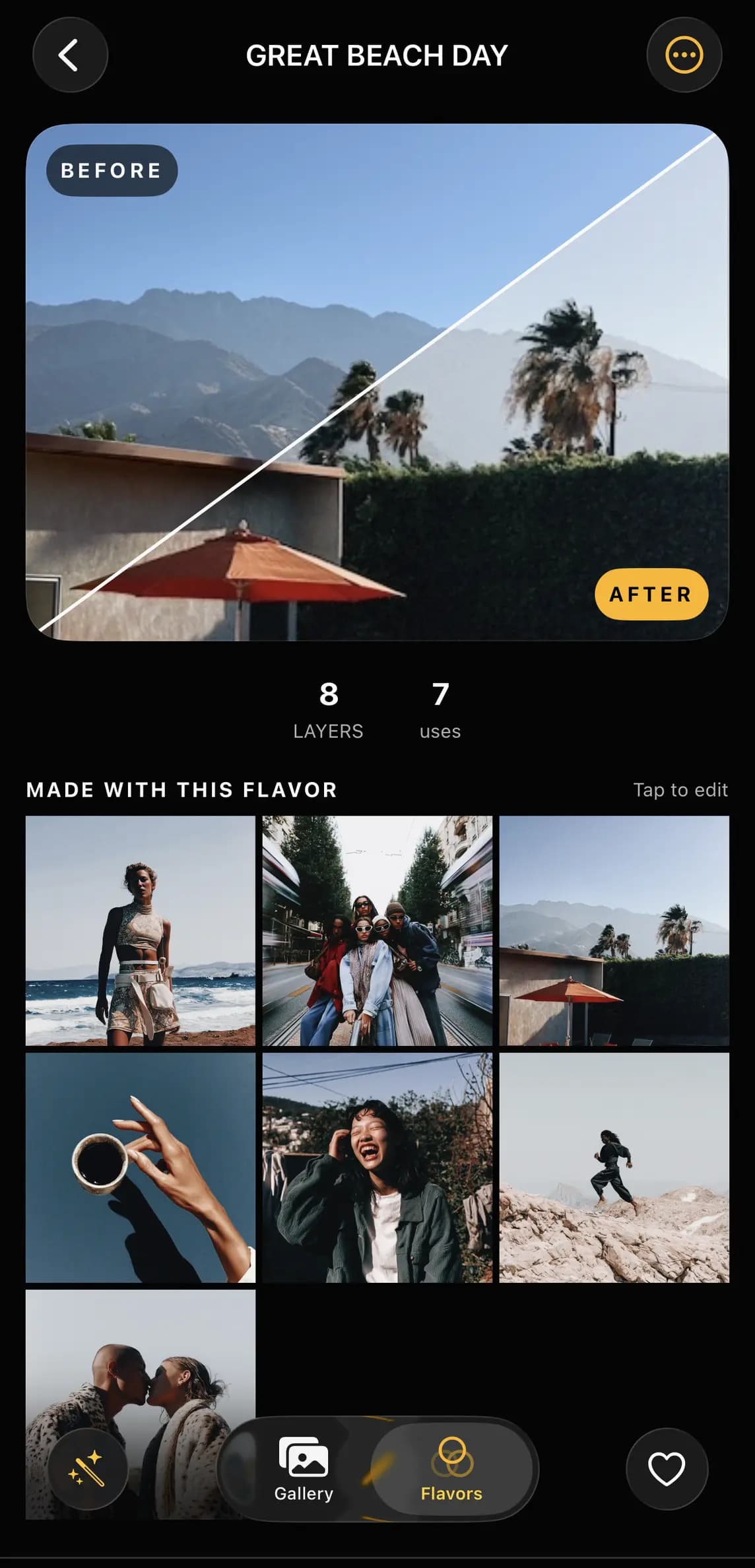
THE SIGNATURE EDITOR FOR IPHONE AND IPAD
Your photos and video,
with a signature.
Build a bold edit. Save it as a Flavor. Drop it on the whole shoot.
A STUDIO IN YOUR HAND
Start with 100+ signature Flavors created by photographer Ohrangutang, then shape color, texture, light and motion into a look that feels like yours.
100+ SIGNATURE FLAVORS BY OHRANGUTANG
A Flavor remembers the choices that make an image yours. Save it once. Use it on photos and video whenever the story calls.


Deep contrast. Cool shadows. Pure cinema.
PHOTO AND VIDEO. ONE EDITOR.
Shape tone, color and texture without breaking your flow. Every tool stays close. Your image stays hero.
PRO FEATURE. APPLY TO MANY.
Choose the work. Apply the signature. Move on while the moment still feels alive.
THE DETAILS MAKE THE IMAGE
Fast when you need instinct. Precise when you need control. Swipe through the Studio.
SAVE EVERY EDIT
CURVES. HSL. TONES.
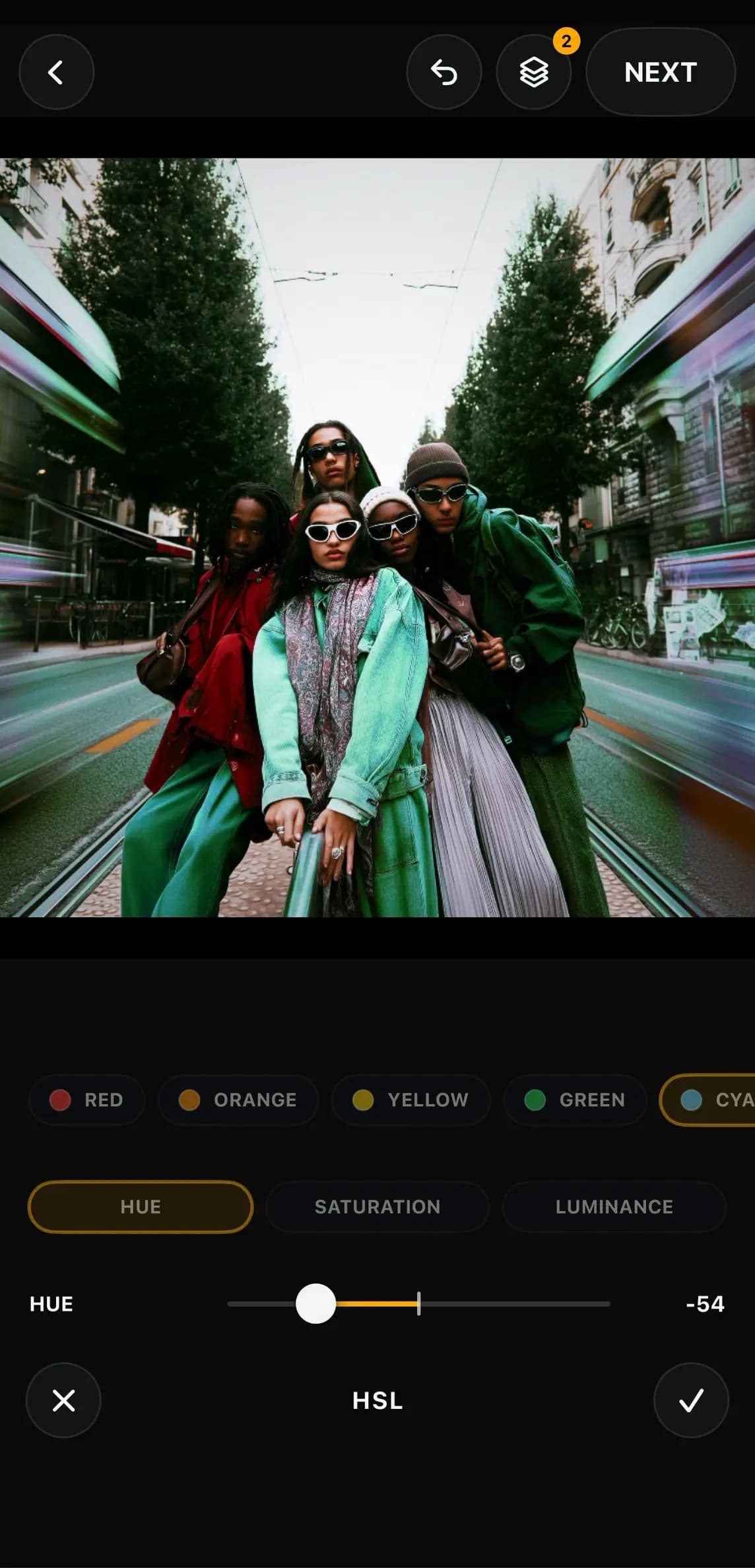
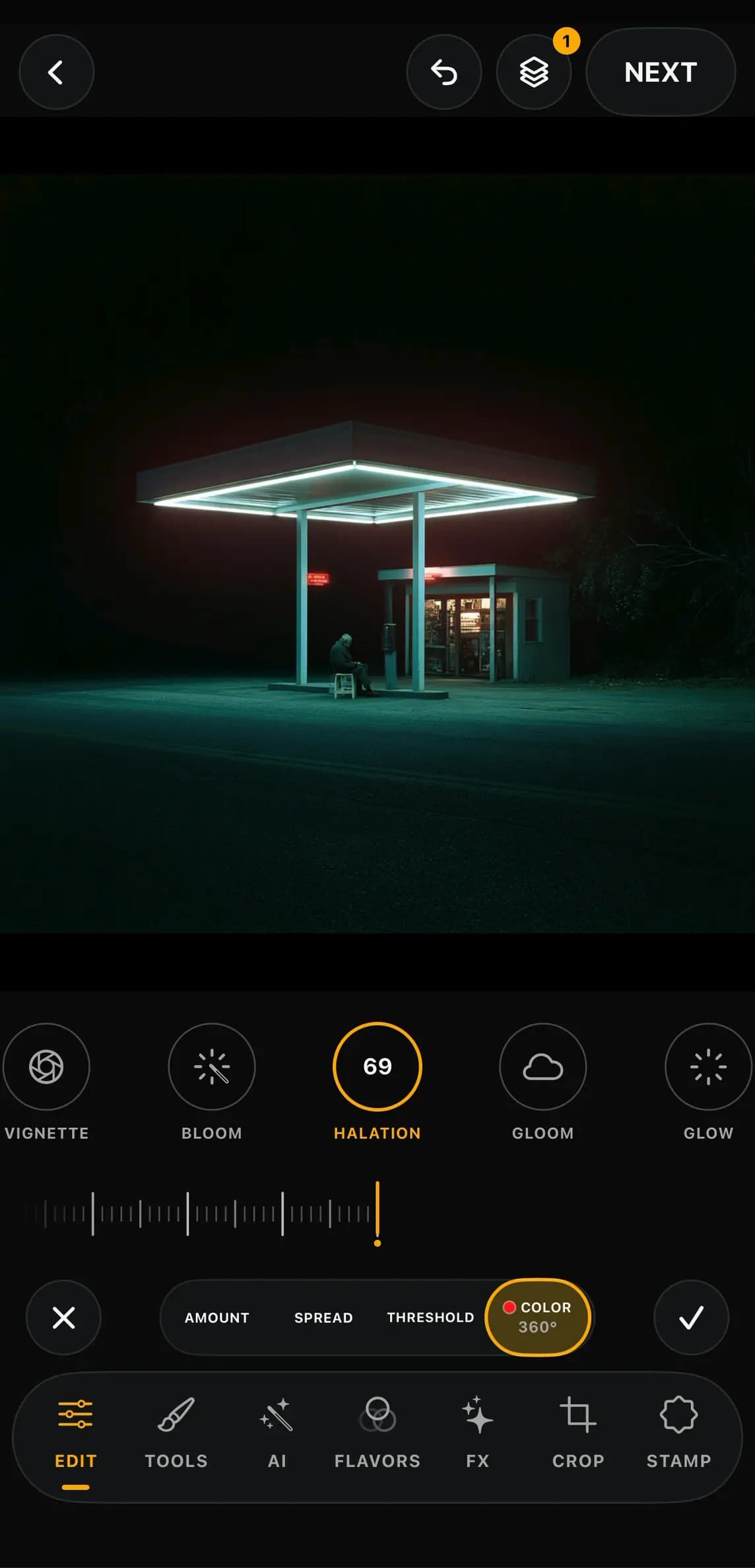
CINEMATIC FX
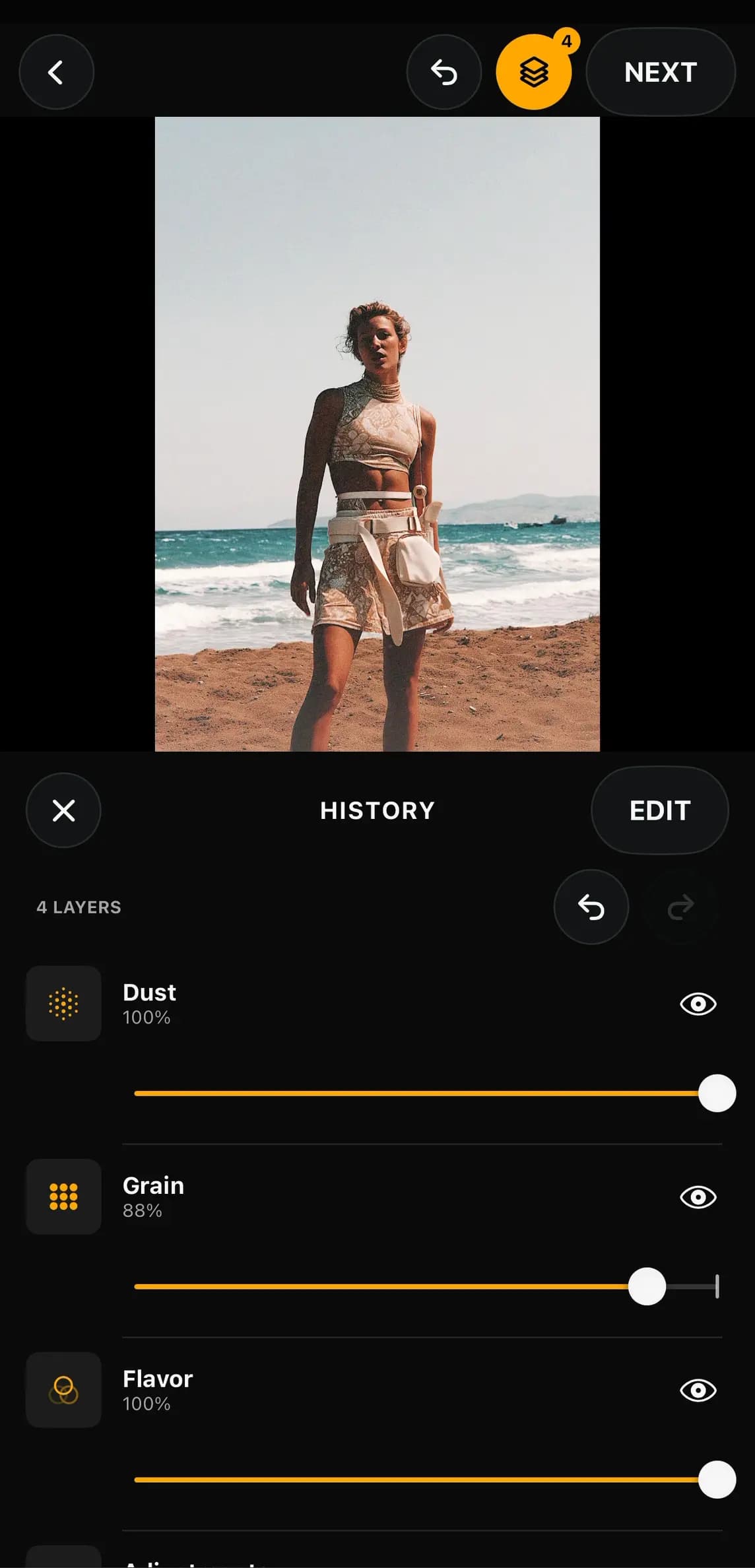
NONDESTRUCTIVE LAYERS
PRIVATE AI. ON DEVICE.
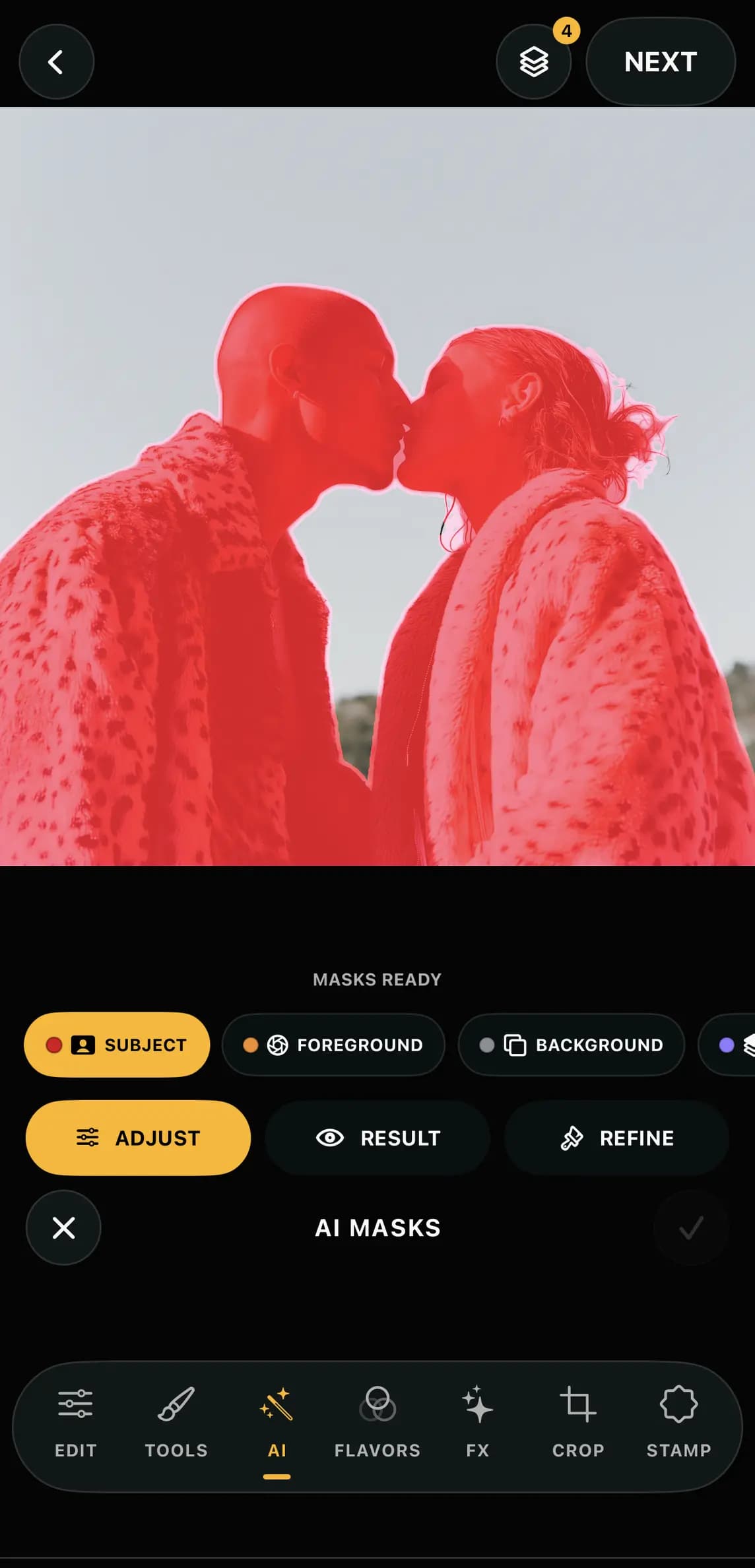
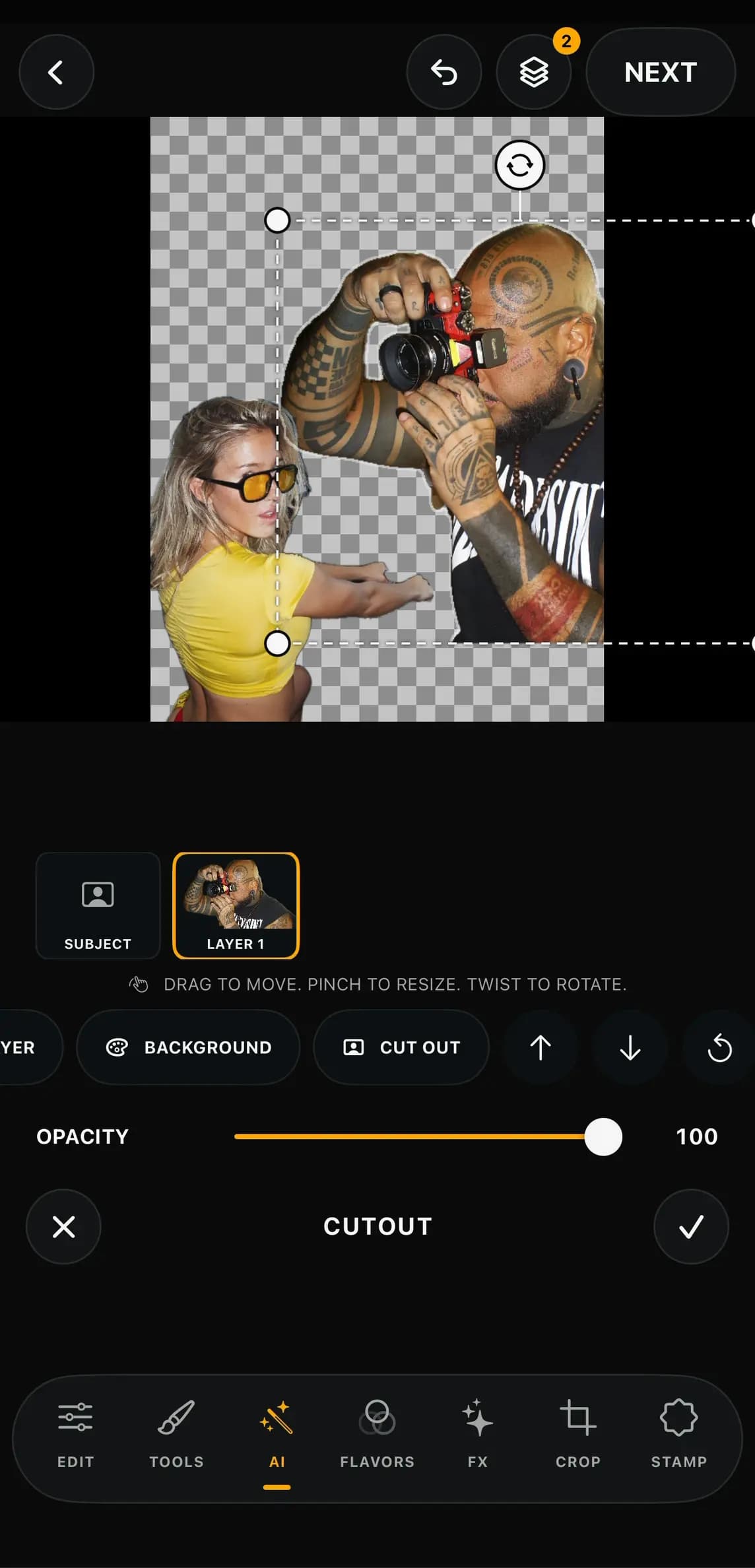
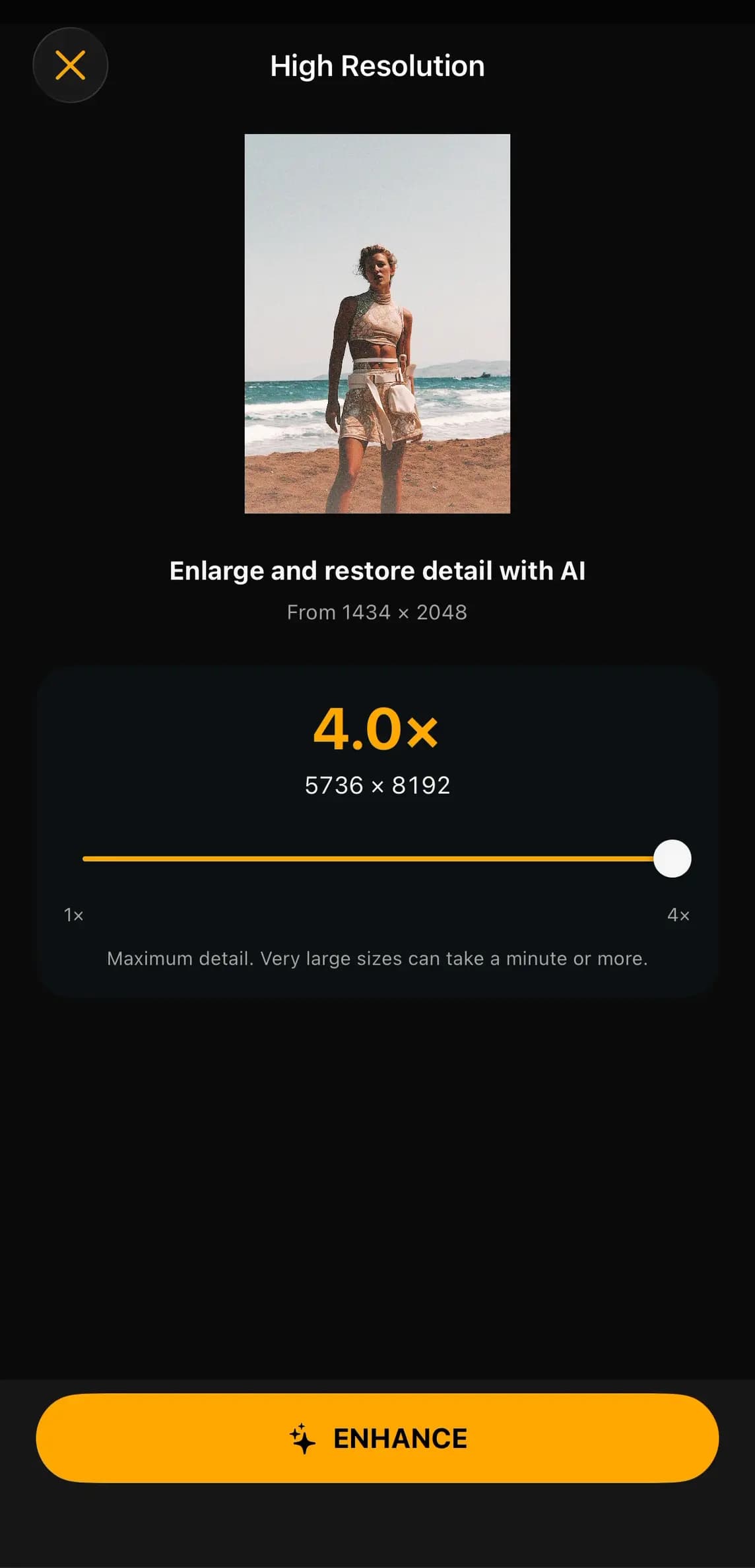
Mask the subject. Clean the frame. Build a Cutout. Enhance photos up to 4×. Your work stays on device.
Subject. Foreground. Background. Depth.
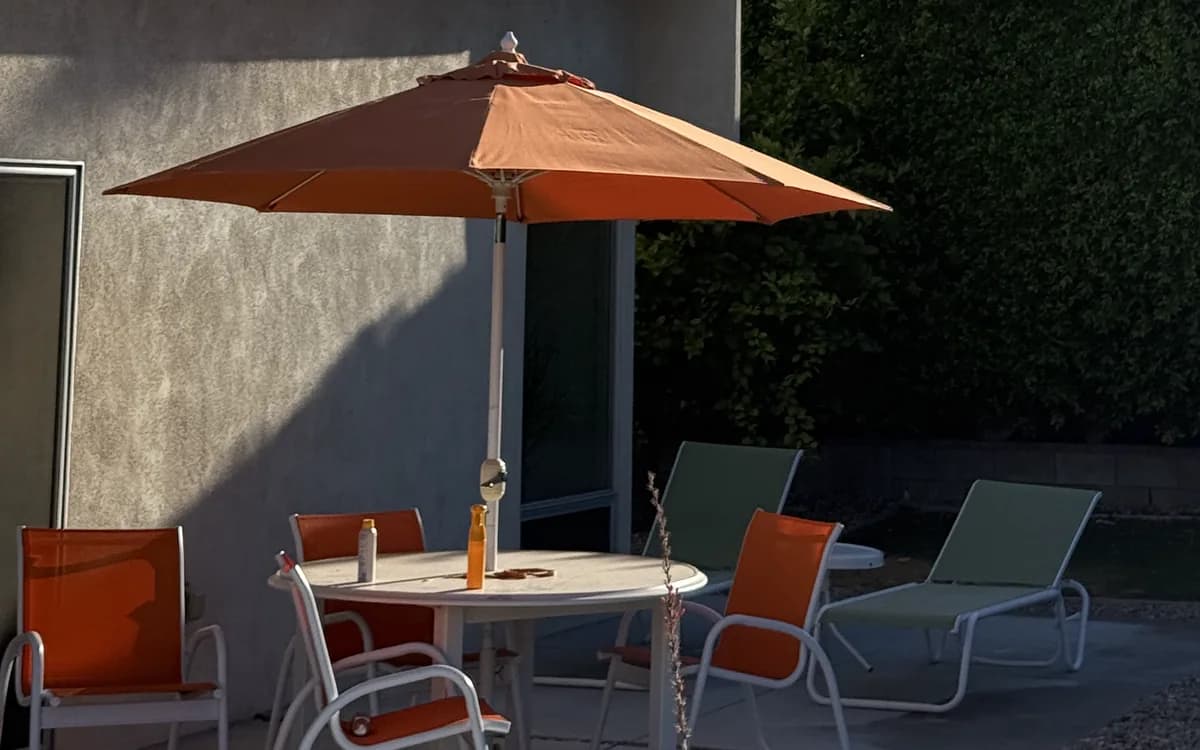
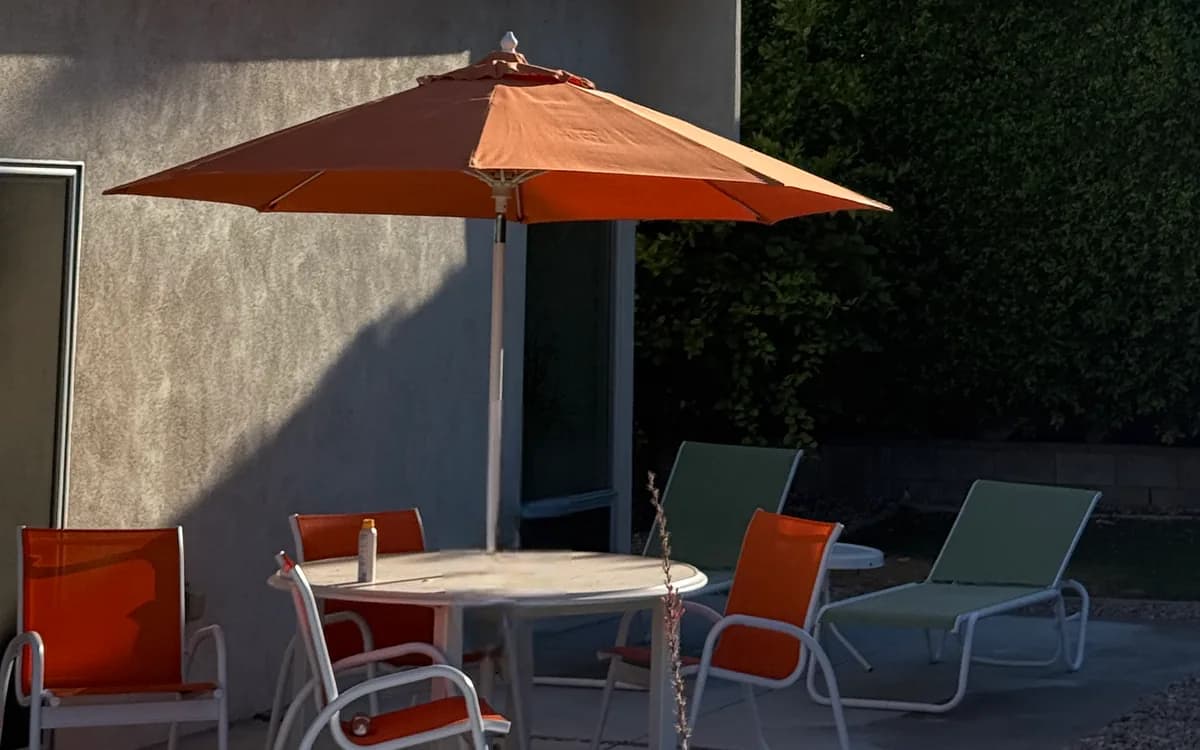
Brush away small distractions.
Lift the subject. Build with layers.
Enhance photos up to 4×.
THE STUDIO IS EXPANDING
Ohrangutang Studio is moving beyond mobile. Desktop comes next. Android is next in line. The same bold creative workflow, built for every screen where your work takes shape.
Bigger canvas. Same instinct.
The Studio goes wider.
LAUNCH LIST
Tell us where you want the Studio next. Confirm your email and we will only write when there is something worth seeing.
THE SHORT VERSION
A Flavor is your saved edit. It can carry color, adjustments, light, grain, texture and more, ready for the next photo or video.
Yes. Ohrangutang Studio puts photo and video inside the same focused editor, so your visual language stays consistent.
Yes. Save your edit as a Flavor, choose the work you want, then Apply to Many.
Yes. The Studio is designed for both iPhone and iPad, with an interface that gives your work room to breathe.
THE STUDIO. REBUILT.
Available on the App Store for iPhone and iPad.
4.4 on App Store · 232 ratings